How to Undo a Repost on TikTok (Remove a Single Repost)
Quick Answer
To undo a repost on TikTok: open the reposted video, tap the Share (arrow) button, then tap Remove repost. The video disappears from your profile's Reposts tab immediately, and nobody is notified. You can reach the video fastest from your profile → Reposts tab.
Accidental repost? It happens constantly, because the Repost button sits right where your thumb scrolls. The good news: undoing it takes four taps, nobody gets notified, and nothing is left behind.
Undo a repost from the video
- Open the video you reposted. If it's still on screen, perfect. If not, go to your profile and open the Reposts tab (the two-arrows icon), where every video you've reposted lives.
- Tap the Share button, the arrow on the right side of the screen.
- Tap "Remove repost." It appears in the bottom row, where the Repost button used to be.
- Done. The video vanishes from your Reposts tab instantly.
"I don't see the Remove repost button"
Three common reasons:
- You're looking at the wrong copy. If a friend also reposted the same video, opening it from their profile shows their repost, not yours. Always start from your profile → Reposts tab.
- You never actually reposted it. Liking and favoriting don't create reposts. Check the Reposts tab; if it's not there, there's nothing to undo.
- The original video was deleted or made private. The repost dies with the original, so there's nothing to remove.
Undoing a lot of reposts?
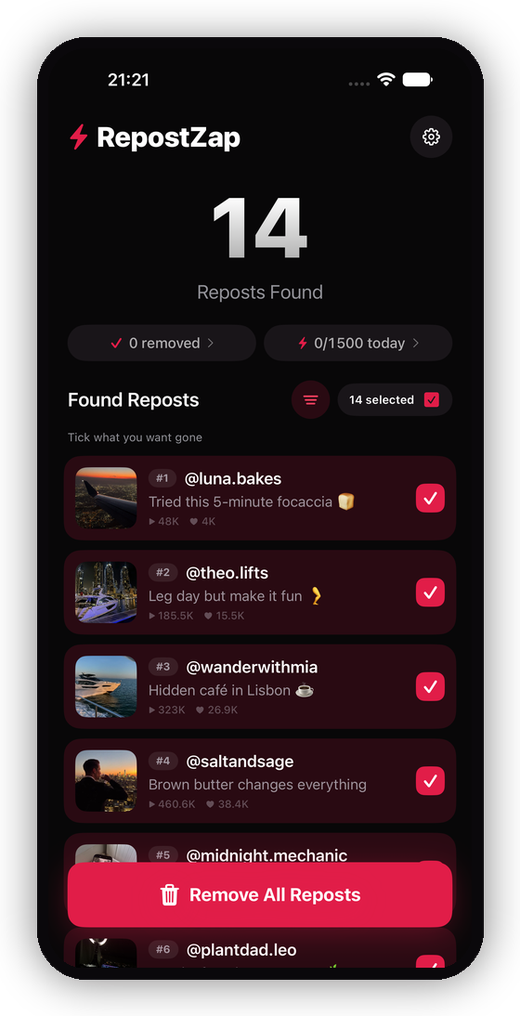
Removing one repost is four taps. Removing three years of them is an afternoon. TikTok has no bulk option, so if your Reposts tab has grown out of control, see our guide on how to delete all reposts on TikTok at once, or let RepostZap scan your profile and clear everything you select in one pass.
Frequently Asked Questions
Where is the Remove repost button?
Does the other person know if I remove my repost?
I accidentally reposted a video. How fast can I fix it?
Can I undo many reposts at once?
Clear your Reposts tab with RepostZap
Scan your profile, see every repost you ever made, and remove the ones you pick in one pass. Free to download.